How to Build Local Service Area Pages That Rank in Multiple Cities

Written by Sakib Quraishe | Local SEO specialist, Chittagong, Bangladesh
To rank in several cities, build one genuinely useful page for each main area you serve, not one page that lists every town. Each page needs work you have done there, reviews from local customers, answers to local questions and a clear service list. Link every city page from a central services hub, and keep your Google Business Profile focused on your real location.
That is the short answer. The rest of this guide explains why it works, how to build each page, and the mistakes that quietly keep most service businesses stuck in one town.
Why doesn't listing 15 towns in the footer work anymore?
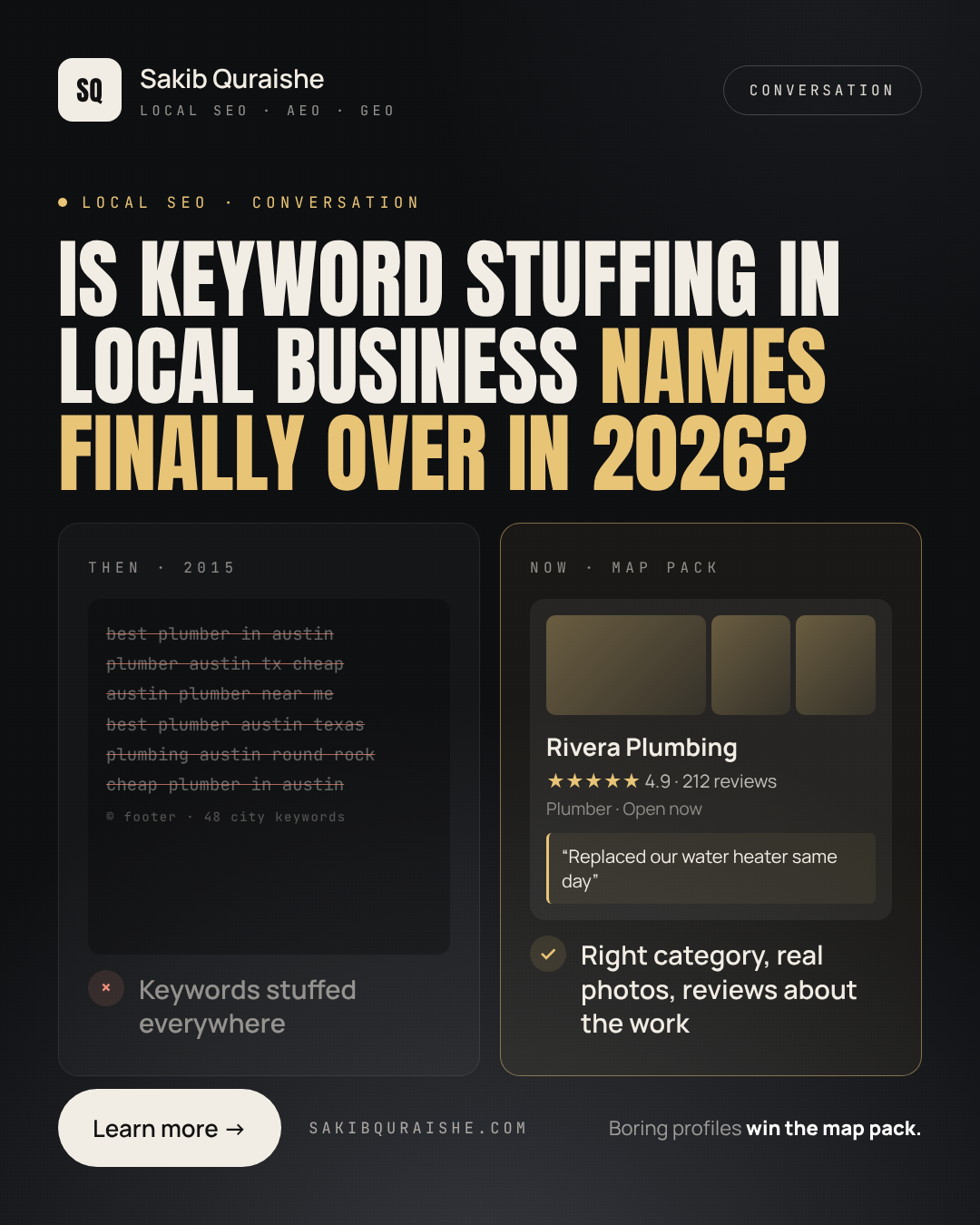
A footer that says "serving Austin, Round Rock, Cedar Park, Georgetown and 11 more" tells Google almost nothing. It is a list of words with no proof behind it. Google's systems look for evidence that a business actually operates in a place, and a list of town names is the weakest evidence there is.
Answer engines like Google AI Overviews, ChatGPT and Perplexity behave the same way. They read pages passage by passage and look for a self-contained answer to a specific question, such as "who repairs water heaters in Round Rock?" A footer cannot answer that. A page about water heater repair in Round Rock, with a real job and a real review from Round Rock, can.
In my work as a local SEO consultant in Bangladesh serving clients in the USA and UK, the footer list is one of the first things I remove. It rarely helps, and it often signals that the site has nothing deeper to offer.
What is a service area page?
A service area page is a landing page built for one specific location a business serves, usually a city, suburb or neighbourhood. Its job is to prove relevance for searches in that place. A strong one combines the service, the location and local proof on a single page, so both a customer and a search engine can see that you genuinely work there.
It is different from a location page for a branch office. A location page describes a physical address. A service area page describes the work you do in an area you travel to, which is why it matters most for plumbers, roofers, HVAC companies, cleaners and other businesses that go to the customer.
How many service area pages should you build?
Build pages for your main areas first, not every town on the map. A useful rule is to start with the five to eight areas that already send you the most calls or the highest-value jobs. Those are the places where you have real projects, real reviews and real photos to show.
More pages are not better if they are thin. Fifty near-identical pages with the city name swapped will usually perform worse than eight pages that each have something unique to say. Search engines judge your site as a whole, and a large block of weak pages can drag down the strong ones.
Add new areas only when you can fill the page with genuine local material. If you have done two jobs in a suburb and have one review from there, you are ready. If you have never worked there, the page is not ready yet.
What should every city page include?
Each page should be able to stand on its own. If someone landed on it from Google with no other context, it should answer their question completely. These are the elements I include on every service area page I build:
* A direct opening answer that names the service and the area in the first two or three sentences.
* A list of the specific services you offer in that area, in the words customers actually use.
* At least one recent job from that area, with a short description and a real photo.
* Reviews from customers in that area, quoted with their first name and suburb where they have agreed.
* Answers to two or three questions people in that area ask, such as permit rules, older housing stock or common weather damage.
* Practical details: response times, service hours and how to book.
* A clear call to action that works on a phone.
The local questions section is where most pages win or lose. Generic content is easy to copy. A paragraph explaining that homes built before 1980 in one suburb often have galvanised pipes that corrode is information most competitors will not have, and answer engines value exactly that kind of specific, first-hand detail.
How should you structure the URLs and internal links?
Use a hub-and-spoke structure. The hub is a main service page, for example a general "plumbing services" page. Each spoke is a city page underneath it, with a short, readable URL such as /plumbing/round-rock/. The hub links to every spoke, and each spoke links back to the hub and to one or two nearby areas.
This structure does three things. It makes the site easy to crawl, it shows search engines how your pages relate to each other, and it lets authority flow from your strongest page to your newer ones. It also gives visitors a natural path if they land on the wrong area.
Keep the anchor text descriptive. "Water heater repair in Cedar Park" tells both the reader and the search engine what the linked page covers. "Click here" tells neither.
How do you write city pages without creating duplicate content?
Write the opening, the local proof and the local questions fresh for every page. Those three sections carry most of the page's value and are the parts search engines compare most closely. Your service descriptions can share a structure, but they should not be copied word for word.
A practical way to do this is to use a template for the layout and a checklist for the content, not a template for the words. The template keeps every page consistent and fast to build. The checklist makes sure each page gets its own job example, its own reviews and its own local answers.
If you find that you cannot write anything unique for an area, that is useful information. It means you do not have enough presence there yet to deserve a page, and your time is better spent winning more work in that area first.
Can service area pages help you rank on Google Maps in other cities?
Mostly no, and it is important to be honest about this. Google Maps rankings depend heavily on how close your verified business location is to the person searching. A great Round Rock page will not move your map pin 20 miles away.
Service area pages help most in the regular organic results, the blue links under the map. They also help in AI answers, which pull from well-structured pages that clearly answer local questions. For a service business, that is still a large share of searches and calls, especially for higher-value jobs where people research before they phone.
The map and the website work together. Your Google Business Profile drives map visibility near your location. Your service area pages extend your reach into surrounding areas through organic search and AI-generated recommendations.
What mistakes stop service area pages from ranking?
These are the patterns I see most often when auditing sites that are stuck:
* Swapping only the city name across dozens of identical pages.
* Writing pages for areas the business has never worked in.
* Burying the pages so they are not linked from any menu or hub.
* Using stock photos that appear on hundreds of other websites.
* Opening with a long introduction about the company instead of answering the searcher's question.
* Never updating the pages after launch, so the reviews and jobs go stale.
Most of these come from treating service area pages as an SEO trick rather than as useful pages for real customers. The fix is the same in every case: give each page a real reason to exist.
How long does it take for new city pages to rank?
New service area pages usually start appearing for long, specific searches within a few weeks of being indexed, and for more competitive searches over two to four months. The timeline depends on your site's existing authority, how competitive the area is and how much genuine local proof each page contains.
Pages with real jobs and reviews tend to move faster, because they earn engagement. People stay, scroll and call, which are all signs that the page answered their question. Updating each page with a new project or review every couple of months also keeps it fresh, which matters to both search engines and answer engines.
Which page type should you build for each situation?
Not every area deserves the same kind of page. The right choice depends on whether you have a real office there, how much work you do there and how much local proof you can show. This table is the decision guide I use with clients before any page gets written.
Your situation
Best page type
What to include
You have a staffed office in the city
Location page
Address, hours, team, directions, local reviews
You do regular work there but have no office
Service area page
Local jobs, local reviews, local questions, response times
You have done a few jobs there
Short area section on a nearby city page
One or two job examples and a mention of the area
You have never worked there
No page yet
Win work there first, then build the page
One service is in high demand in one city
Service + city page
That service only, with local jobs and pricing guidance
The last row is where many businesses find quick wins. A page like "water heater replacement in Round Rock" can rank faster than a general city page, because it matches a specific, high-intent search and has less competition.
Frequently asked questions
Should I create a page for every suburb?
No. Start with the areas that already bring you the most work and expand only when you have real local proof for a new area.
Can I use the same page template for every city?
Yes, for layout. The opening, local examples, reviews and local questions should be written separately for each page.
Do service area pages need their own Google Business Profile?
No. A Google Business Profile represents a real, verified business location. Service area pages are website pages and do not need separate profiles.
Will AI tools like ChatGPT use my city pages?
They can, when the page answers a specific local question clearly and early. Pages with first-hand local detail are more likely to be cited than generic ones.
How many service area pages are too many?
There is no fixed number. Pages become too many when they stop having unique local content. If you cannot add a real job, review or local answer to a page, it is better left unbuilt.
Should service area pages go in the main menu?
Usually not all of them. Link them from a "Service areas" hub page in the menu, then from each relevant service page. That keeps the menu clean while making every page easy to crawl.
Can I rank in a city where my competitors have offices?
In the organic results, yes, with a strong page and real local proof. On Google Maps it is much harder, because businesses physically in that city have a proximity advantage.
Is it okay to write city pages with AI tools?
AI can help with structure and first drafts, but generic AI text is exactly what search engines and answer engines ignore. The local jobs, reviews and specific details need to come from your real work.
The bottom line
Ranking in multiple cities is not about covering the most towns. It is about proving, one area at a time, that you genuinely work there. Build fewer, better pages, fill them with real local proof, connect them with a clear hub-and-spoke structure, and keep them updated. That approach works for Google search, for Google Maps support and for the AI tools that are increasingly deciding which local businesses get recommended.
About the author
Sakib Quraishe is a local SEO consultant based in Chittagong, Bangladesh, who plans and builds service area page structures for contractors and home-service businesses in the USA, UK and Australia. Much of his work involves turning sites with one generic "areas we serve" page into city-by-city page sets backed by real local proof, without creating thin or duplicate content.
Comments
Post a Comment